

Logging
Record API stats
Use this option to determine whether API requests should be logged. When activated, a dashboard widget is displayed to present the data.
Learn more: Api Stats
Log errors
If activated, ASA2 will log errors, e.g. Amazon PA API response error message.
INFO
It is recommended to enable "Log errors" to be aware of errors which might occur in communication with the Amazon PA API.

Log template errors
Logs errors from the template engine. This is useful when you are working on a template or if a template does not work as expected.
INFO
It is recommended to enable "Log template errors" to be aware of syntax errors which might occurs in your templates.

Log i18n errors
Logs errors related to the internationalization (i18n) feature, e.g. issues with resolving the vistor's IP address.

Item lookup debug
If activated, ASA2 logs debug information on item lookup, e.g. if the item was loaded via API or Products section.

Cache debug
If activated, ASA2 logs debug information about cache usage.

Request limits handling
If activated, ASA2 logs actions regarding the RequestThrottle prevention.

Ratings parser debug
Logs the ratings parsing process if an error was detected. These details can help with troubleshooting regarding product ratings issues.

Log API request URL
Logs the URLs used for API requests. Should only be activated temporarily for debugging issues.

Log Cronjobs
Logs information about the execution of cronjobs.

General Log Retention
Time to keep (General Logs)
Select how long general log entries (error log, debug log) should be kept in the database. This protects against overloading the database. Default is "2 weeks".
INFO
This setting does not affect API stats, which have their own retention settings below.
Max entries (General Logs)
Select the maximum number of general log entries (error log, debug log). This limit protects against overloading the database. Cleanup gets processed once per hour. Default is 500.
INFO
This setting does not affect API stats, which have their own retention settings below.
API Stats Retention
Since version 1.32.0, API stats have dedicated retention settings, separate from general log retention.
Time to keep (API Stats)
Select how long API stats entries should be kept. Available options: 1 week, 2 weeks, 1 month, 3 months, 6 months, 12 months. Default is "3 months".
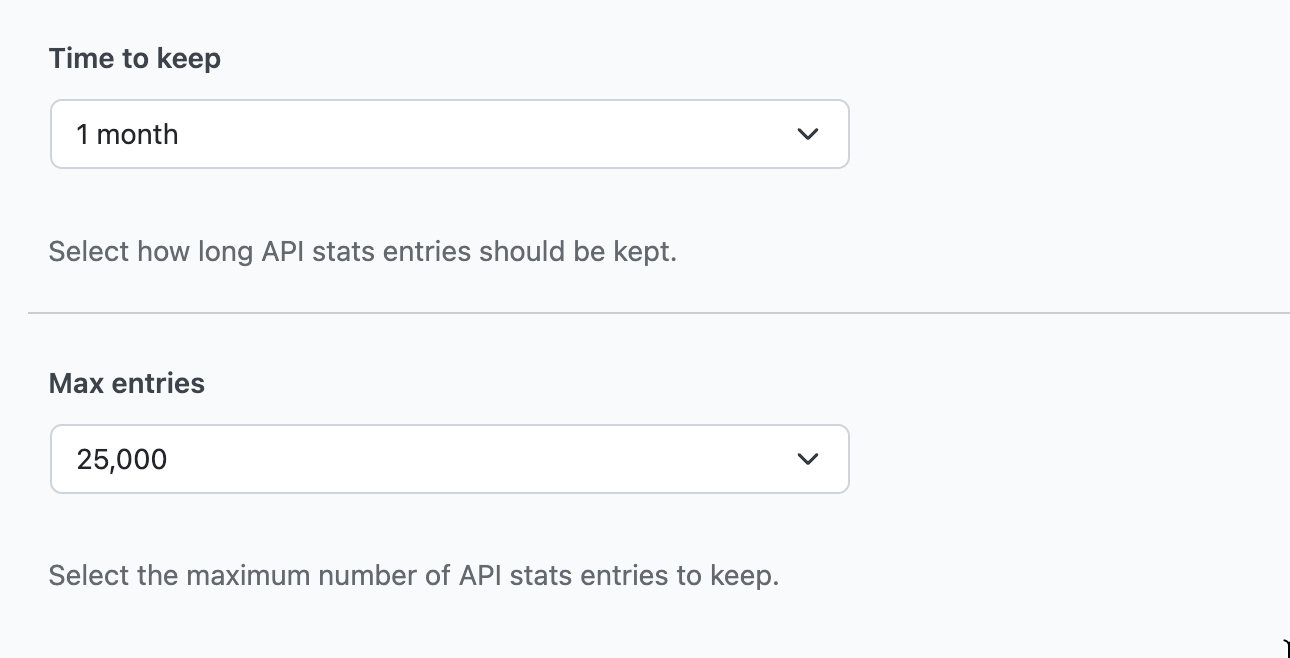
Max entries (API Stats)
Select the maximum number of API stats entries to keep. Available options: 5,000, 10,000, 25,000, 50,000, 100,000, Unlimited. Default is 50,000.
TIP
If your site processes many API requests, consider increasing the "Max entries" value or setting it to "Unlimited" and relying on the time-based cleanup instead. The higher defaults (compared to general logs) are designed to preserve enough data for meaningful API usage analysis.