

Settings
The Settings page contains global options and maintenance tools.
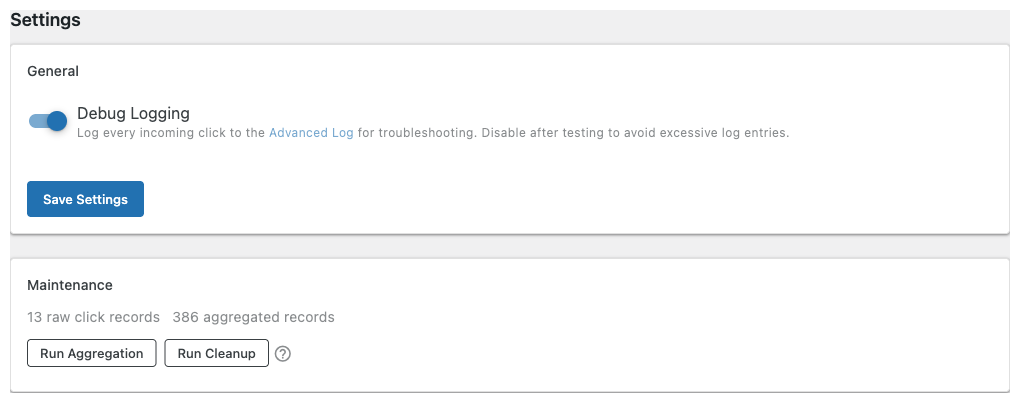
General
| Setting | Description |
|---|---|
| Debug Logging | Log every incoming click to the ASA2 Advanced Log for troubleshooting. Requires the Advanced Log add-on to be installed. Disable after testing to avoid excessive log entries. |
Maintenance
Shows the current number of raw click records and aggregated records in your database. Two actions are available:
- Run Aggregation — Processes raw click data into daily summaries used by the dashboard and analytics charts. This normally runs automatically overnight via WP-Cron. Use this button to include today's clicks immediately.
- Run Cleanup — Deletes raw click records older than the configured retention period (set in Providers → Built-in Tracking). Aggregated daily summaries are never deleted.
After running either action, the Dashboard and Analytics pages automatically reload their data when you navigate to them.